 Cointracking
 uses transaction history for portfolio analysis and tax reports
Cointracking combines exchange and wallet transaction records into portfolio summaries and country-specific crypto tax reports. API connections, CSV uploads, and supported blockchain addresses provide the records that feed both functions. The portfolio tools track holdings and performance; the tax calculator applies selected reporting settings to gains, losses, and income. Paid plans unlock tax reports, while the free trial provides a limited period for exploring imports and portfolio analytics.
Portfolio tracking and tax reporting share a transaction history
Holdings reports organize the recorded assets, while tax reports apply the selected settings to activity within a reporting period.
Trade records carry acquisition or disposal details; income records describe incoming rewards or payments. Transfers connect activity across the accounts that you include. Fees also affect reconciliation and the relevant calculations. A current balance alone doesn’t describe how the assets reached that account.
Import choices determine the records and access required
Binance, Coinbase, and Kraken are among the supported exchanges. An application programming interface (API) connection retrieves data directly; a comma-separated values (CSV) file carries exported transaction rows. Supported blockchain-address imports and manual entry provide other ways to supply records. Each method needs a different input, and each importer has its own coverage.
| Import method | Required access or records |
|---|---|
| Exchange API | Read-only API credentials for the supported exchange. |
| CSV upload | Transaction records in a format the selected importer accepts. |
| Blockchain-address import | An address on a supported blockchain. |
| Manual entry | Transaction details entered directly into the account. |
Holdings, allocation, and realized gains answer different questions
Current Balance shows asset quantities and market values, while Balance by Exchange or Wallet groups holdings by location. The dashboard adds allocation and performance views. Together, these reports describe the recorded holdings, their distribution across accounts, and changes in portfolio value over time.
Realized and unrealized profit-and-loss reports give those changes more context. Unrealized figures concern assets still held; realized figures concern completed disposals. A rising portfolio valuation therefore doesn’t mean the same thing as a gain calculated from sales during a tax year.
Live market prices update valuations. Transaction imports update the history, so a current price doesn’t establish that the latest activity has arrived.
Country settings and cost basis shape tax reports
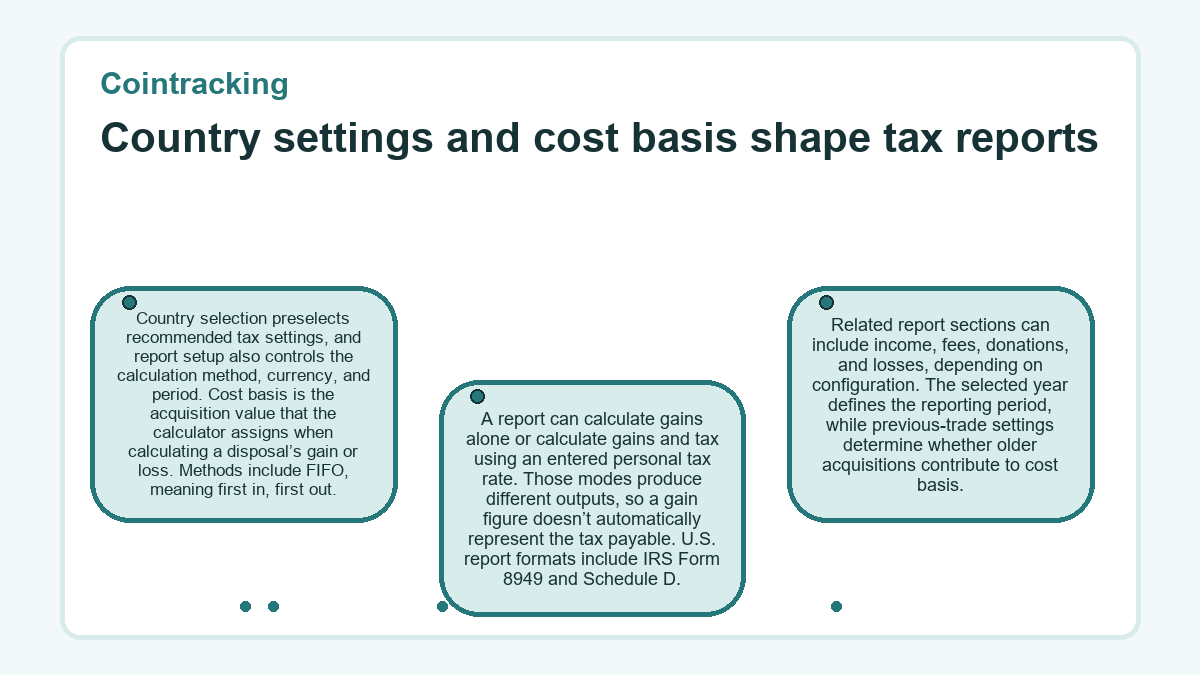
Country selection preselects recommended tax settings, and report setup also controls the calculation method, currency, and period. Cost basis is the acquisition value that the calculator assigns when calculating a disposal’s gain or loss. Methods include FIFO, meaning first in, first out. A report can calculate gains alone or calculate gains and tax using an entered personal tax rate. Those modes produce different outputs, so a gain figure doesn’t automatically represent the tax payable.
U.S. report formats include IRS Form 8949 and Schedule D. Related report sections can include income, fees, donations, and losses, depending on configuration. The selected year defines the reporting period, while previous-trade settings determine whether older acquisitions contribute to cost basis.
DeFi records retain their individual transaction types
The platform supports decentralized finance (DeFi) swaps, staking rewards, non-fungible token (NFT) trades, and margin positions. These activities enter the same reporting history, and their classifications affect the analysis that follows. A reward receipt and an asset disposal describe different events, even when both involve the same asset. Liquidity-pool tracking adds another reason to review imported transaction types and acquisition information. Automatic categorization helps organize these records; the completeness and accuracy of a particular exchange or blockchain import determine what the report can calculate.
Additional tools convert records, trace origins, and interpret tax data
File Converter prepares CSV or Excel data for import by recognizing columns such as dates, assets, and amounts. It belongs to Expert and Unlimited plans. It also handles exports from services without a direct importer. AI interpretation can misread a file, so mapped fields need review before import. Conversion doesn’t recover transactions missing from the original export.
Source of Funds examines the origins of a selected withdrawal. It traces the withdrawal through transaction history using FIFO and produces PDF and CSV outputs. Pro, Expert, and Unlimited include this feature. The report identifies import methods and flags gaps. Its origin trace addresses where the withdrawn assets came from, a separate question from annual taxable gains.
AI Tax Saver answers plain-language questions using the account’s tax data, including questions about holding periods and loss positions. It’s available to users in Germany on Expert and Unlimited plans. That country restriction applies to the assistant, while the broader platform offers country-specific reporting elsewhere. Missing transactions limit the answers that the assistant can derive.
What does the free trial include?
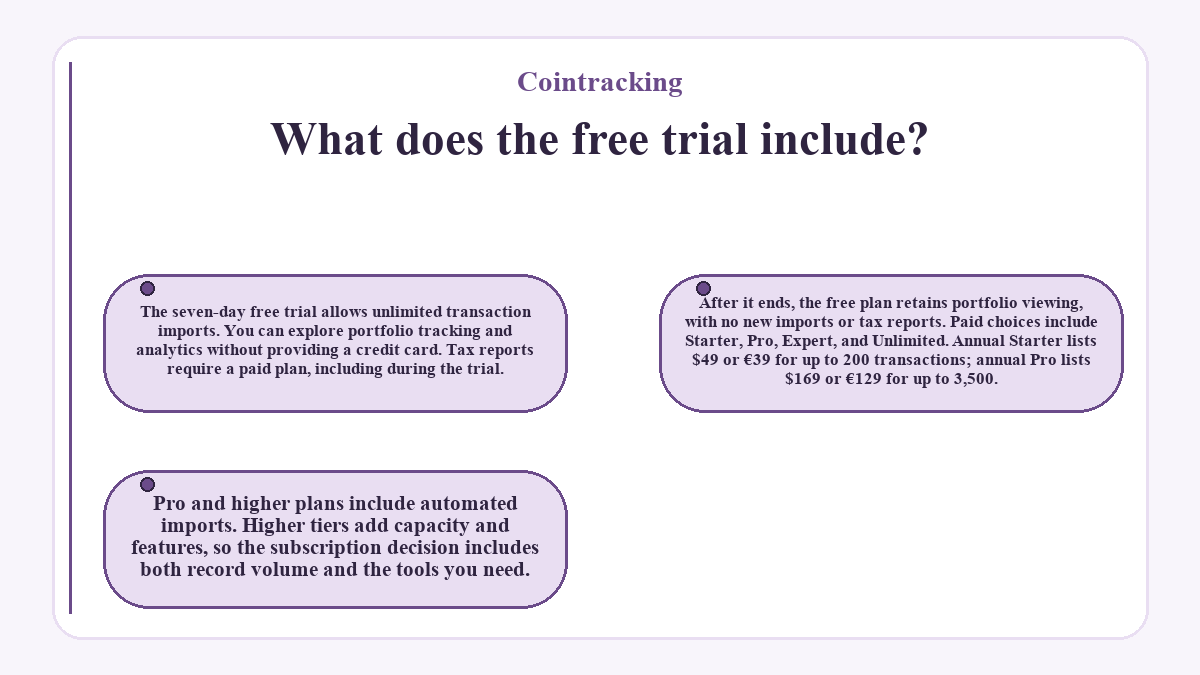
The seven-day free trial allows unlimited transaction imports. You can explore portfolio tracking and analytics without providing a credit card. Tax reports require a paid plan, including during the trial. After it ends, the free plan retains portfolio viewing, with no new imports or tax reports.
Paid choices include Starter, Pro, Expert, and Unlimited. Annual Starter lists $49 or €39 for up to 200 transactions; annual Pro lists $169 or €129 for up to 3,500. Pro and higher plans include automated imports. Higher tiers add capacity and features, so the subscription decision includes both record volume and the tools you need.
Full-Service preparation and Corporate accounts cover different jobs
Full-Service adds human preparation work: the team handles imports, validation, and tax report preparation. Its packages differ by complexity. Basic excludes DeFi, NFTs, bots, and derivatives; Advanced includes those activities. Tax-advisor support is optional in those packages. Corporate accounts provide multi-client management and individual branding. For assisted preparation, the data’s completeness, complexity, and required feedback affect delivery timing.
Data quality and read-only access set different limits
Missing acquisitions and duplicate entries can distort both holdings and calculated gains. The Missing Transactions Report and balance checks help locate inconsistencies before a final report. Some exchange APIs omit older records or particular transaction types. CSV exports can supply additional history, subject to their own coverage and correct field interpretation.
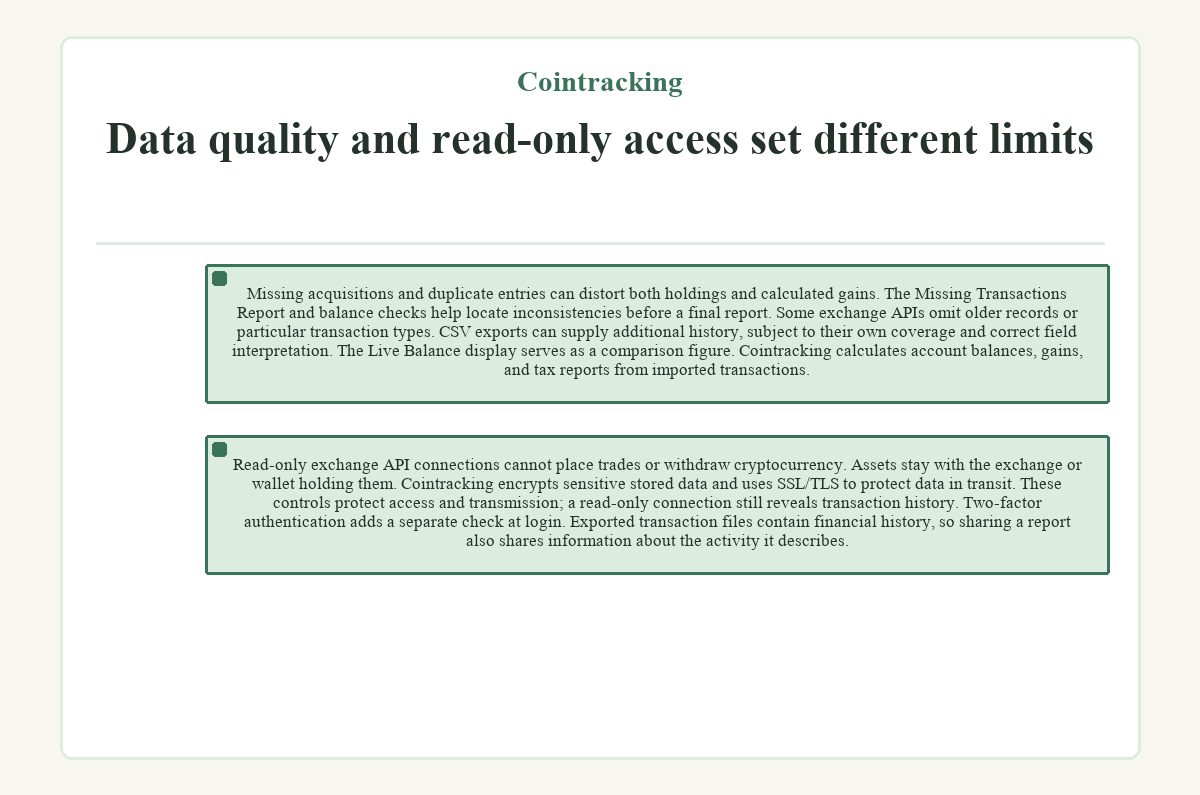
The Live Balance display serves as a comparison figure. Cointracking calculates account balances, gains, and tax reports from imported transactions.
Read-only exchange API connections cannot place trades or withdraw cryptocurrency. Assets stay with the exchange or wallet holding them. Cointracking encrypts sensitive stored data and uses SSL/TLS to protect data in transit. These controls protect access and transmission; a read-only connection still reveals transaction history.
Two-factor authentication adds a separate check at login. Exported transaction files contain financial history, so sharing a report also shares information about the activity it describes.
Cointracking: questions and answers
Do transaction limits reset at the start of a tax year?
Transaction limits apply to the total imported history across all years, so a new tax year doesn’t reset the allowance. Older records remain part of the capacity that a plan must accommodate. This cumulative total differs from the individual reporting period selected for a tax report.
Can one subscription generate reports for earlier tax years?
A paid subscription covers tax reports for earlier years without a separate purchase for each tax year. The records needed for those calculations must still be in the account. This reporting entitlement doesn’t make tax reports available on the free plan.
Which billing durations are available for paid plans?
Paid plans offer one-year, two-year, and lifetime purchase options. The lifetime option uses a one-time payment without recurring subscription fees. Plan duration and plan tier are separate choices: the tier determines transaction capacity and included features, while the duration determines the purchased access period.
Is an email address required to use Cointracking?
You can create an account without providing an email address. Imported records still contain the financial history used for portfolio analysis and tax calculations, so omitting an email address doesn’t remove the sensitivity of that information.
Where does Cointracking store account data?
Cointracking stores account data on servers in Germany, within the European Union. That hosting location concerns the platform’s stored records; it doesn’t describe where the exchanges or blockchain networks supplying those records operate.
Can I pay for a subscription with cryptocurrency?
Cointracking accepts cryptocurrency payments, including Bitcoin and Ethereum, alongside traditional payment methods. Cryptocurrency checkout uses a one-time payment rather than the recurring credit-card arrangement.
How can I download a completed tax report?
The generated report’s actions provide access to full report PDFs and detailed calculations. The report entry also identifies its tax year and calculation method, helping distinguish reports created with different settings. A tax-report download requires a paid plan.
Who decides whether a bank accepts a Source of Funds report?
The bank reviewing the documents decides whether to accept a Source of Funds report. The report organizes the withdrawal’s origin trail and can accompany exchange statements and fiat-side records. The bank may request additional supporting documents alongside the generated report.
Updated on